Stash your cash with Yuh
- Savings pots for every dream
- Automated savings
- Move or withdraw your money at any time
Saving with Yuh?
A no-brainer!
Set your goals
Design your savings goals your way. You decide how much you want to save and how often.

Savings
1’283.09 CHF
Travel

Stay on track
Save with a plan! You’ll receive a notification the moment you smash your savings goal, as well as regular updates to help you stay on track.

Keep flexible
Withdraw your savings at any time and use the smart features to help you stay on top of your goals. When life’s big moments arrive, you’ll be ready.

Save your way
with a Swiss twist
Bucket list? Emergency fund? Or just a nest egg for the future? With Yuh’s Swiss savings account, you can save with the freedom you want and the security you need.
Your savings,
protected with Yuh

With Yuh, your money is protected, your mind is at ease and your balance is busy growing.

Overdraft who? You can only spend what you have in your account, so you’re protected from debt traps & hidden fees.

Shop with a safety net. Use your Yuh card to pay for everyday items and they’re fully protected.

In accordance with Swiss banking law, we offer deposit protection of up to 100’000 CHF in the event of bankruptcy.
How to open a Yuh savings account?
Got your smartphone, a valid ID and a utility bill to hand? WiFi’s working? Then you’re ready to go!
1
Get the app
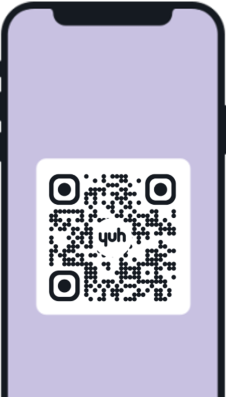
Download the Yuh app from the App Store, Google Play Store or Huawei App Gallery.
2
Create your account
Enter your personal details and verify your identity in the app.

3
Top up your balance
Make your first deposit (spoiler alert: if you fund your account with 500 CHF, you will receive 250 Swissqoins).

1
Get the app
Get the app
Download the Yuh app from the App Store, Google Play Store or Huawei App Gallery.
2
Create your account
Create your account
Enter your personal details and verify your identity in the app.
3
Top up your balance
Top up your balance
Make your first deposit (spoiler alert: if you fund your account with 500 CHF, you will receive 250 Swissqoins).
Nice? There’s more:


Take charge of your money, switch to the Yuhniverse!